
Divine Christian Matrimony
Find a God-given partner, with your family beside you
Divine Christian Matrimony is built for Christian families — profiles carry denomination, diocese and parish, so the matches you see already share your tradition.

Create your profile
Create a new account to start using Divine Christian Matrimony
Already a member? Log in
Features
Built for our community, not for everyone
Every part of Divine Christian Matrimony assumes a Christian marriage decided together with family.
Faith comes first
Filter by denomination, rite, diocese and parish — Syro-Malabar, Orthodox, Marthoma, CSI, Pentecostal and more.
Verified members
ID and phone verification badges tell you who you are talking to before the families meet.
Privacy protected
Photos and contact details stay visible only to signed-in members — never to the open internet or search engines.
Family-friendly by design
Parents can manage a profile on behalf of a son or daughter, and share shortlists within the family.
Use it on mobile
Divine Christian Matrimony, in your pocket
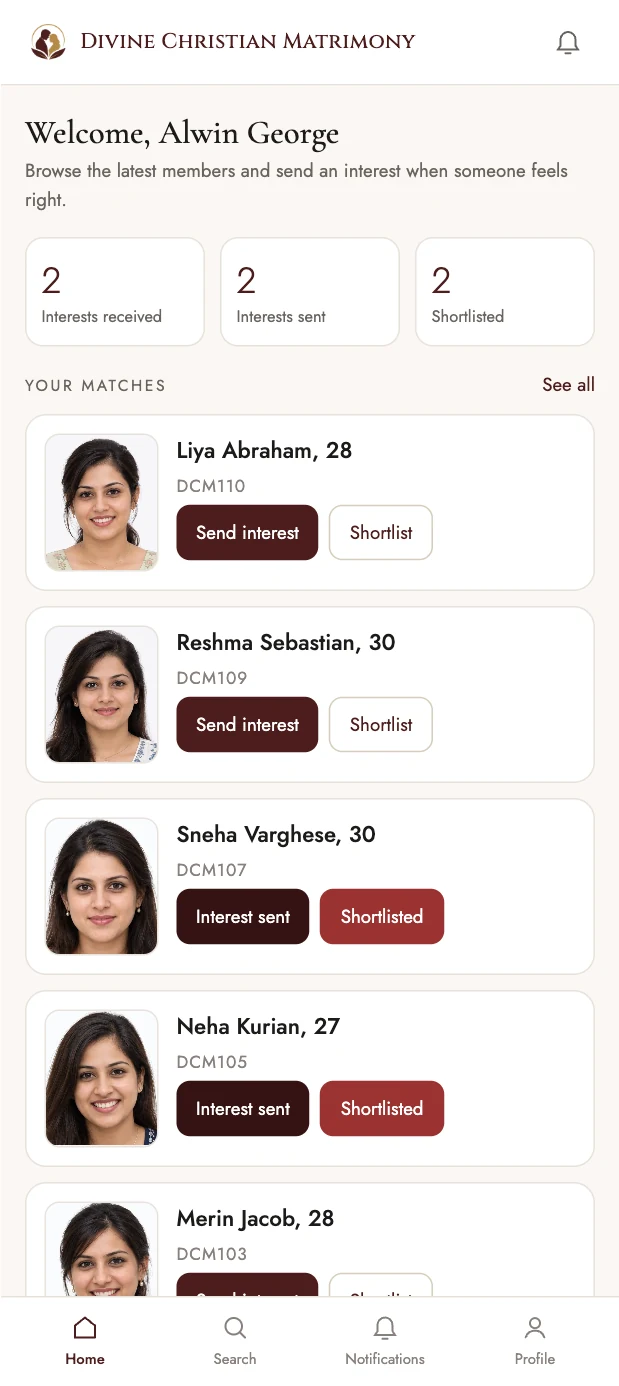
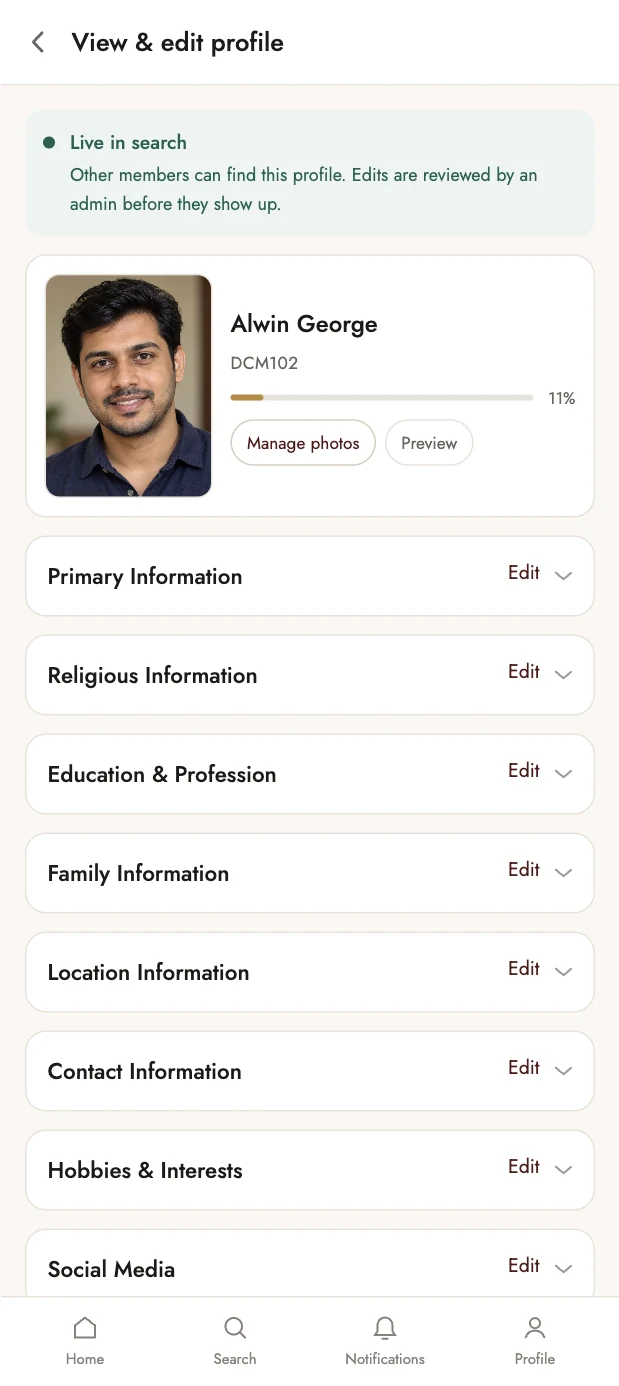
Divine Christian Matrimony opens straight from the browser — no app store, no download, nothing to keep updated. Add it to your home screen and it opens full-screen, like an app.
- Works on Android and iPhone, in any modern browser
- Takes no space on your phone — there is nothing to install
- Built to stay light on a slow connection
How it works
Three simple steps
-
Create your profile
Add your details, family background and partner preferences in minutes.
-
Discover matches
Browse profiles filtered by faith, education, profession and location.
-
Express interest
Send an interest, connect when it is mutual, and let your families take it forward.

Begin your search with a blessing
Your profile stays private until you choose to share it.
Create an account